Corporate messages lose impact when the edit feels slow or unclear. Moreover, viewers drop off fast when the first 20 seconds wander. Corporate video editing fixes that problem by shaping a crisp story, tightening pacing, and protecting brand credibility. Additionally, a structured edit helps decision-makers grasp the main point without replaying sections. In this guide, you will learn a practical workflow, a presentation-specific structure, and a quality checklist that keeps every cut executive-ready.
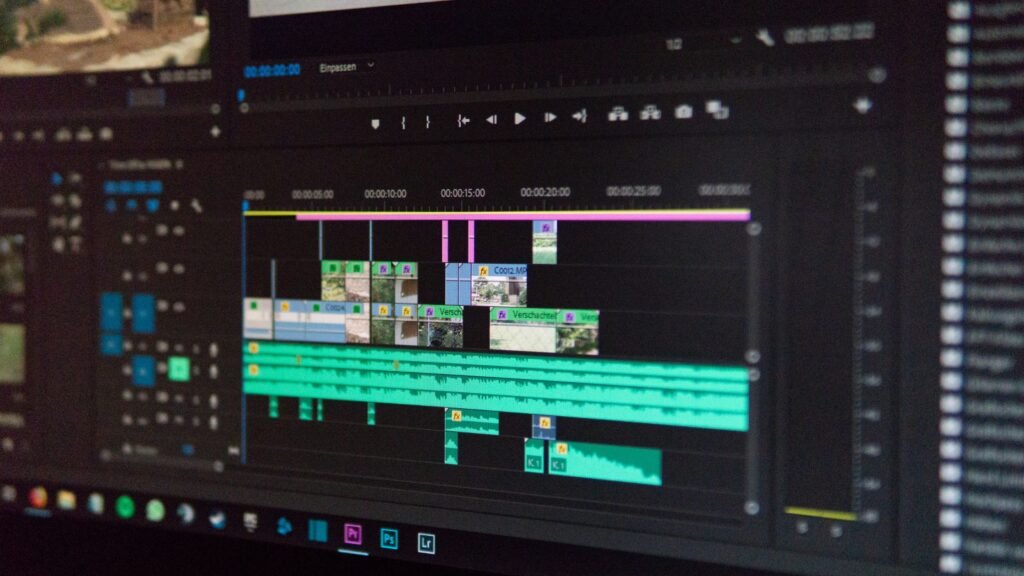
Why Corporate Video Editing Makes or Breaks Clarity
Teams often blame the camera when results feel weak. However, the edit usually creates confusion. Corporate video editing controls structure, rhythm, and emphasis, so the viewer understands the point quickly:
- Late message delivery: When the core point arrives too late, viewers lose patience fast. Therefore, the video drops attention before it delivers value.
- Repetition in the middle: When the video repeats the same idea, momentum collapses. Consequently, the audience stops trusting the structure.
- Inconsistent visuals and branding: When shots, colors, and graphics clash, credibility weakens. Moreover, the message feels less professional and less reliable.
- Uneven audio and unclear voice: When audio levels jump, viewers stop listening. Therefore, even strong content feels hard to follow.
These problems appear in most corporate projects, yet you can prevent them with a repeatable workflow. Therefore, corporate video editing must remove friction, protect clarity, and guide the viewer to a confident next step.
Step-by-Step Corporate Video Editing Process
A reliable workflow keeps teams aligned and reduces revisions. Moreover, it protects timelines when stakeholders multiply. Therefore, you should run corporate video editing in clear stages, such as:
Step 1: Lock the Objective Before the First Cut
Start with one clear goal and one defined audience profile. Additionally, define one specific action you want viewers to take. Consequently, the edit stays focused, measurable, and easier to approve quickly.
Step 2: Build a Message-First “Story Cut”
Cut for meaning first, not polish, transitions, or visual effects. Moreover, remove every clip that does not support the core goal. Therefore, corporate video editing speeds up because you refine only what truly matters.
Step 3: Add Brand Structure and Visual Hierarchy
Add titles, lower-thirds, and on-screen headings with strict consistency. Additionally, keep spacing clean and typography aligned with brand rules. Consequently, the video feels boardroom-ready and looks professionally trustworthy throughout.
Step 4: Mix Audio Like it Carries the Whole Video
Treat voice clarity as the primary quality benchmark for every viewer. Therefore, level dialogue, reduce noise, and control music volume carefully. Moreover, stable audio keeps viewers engaged and improves understanding during meetings.
This workflow reduces confusion, shortens revision cycles, and protects brand consistency. Therefore, you get a clear message that sounds confident and looks professional.
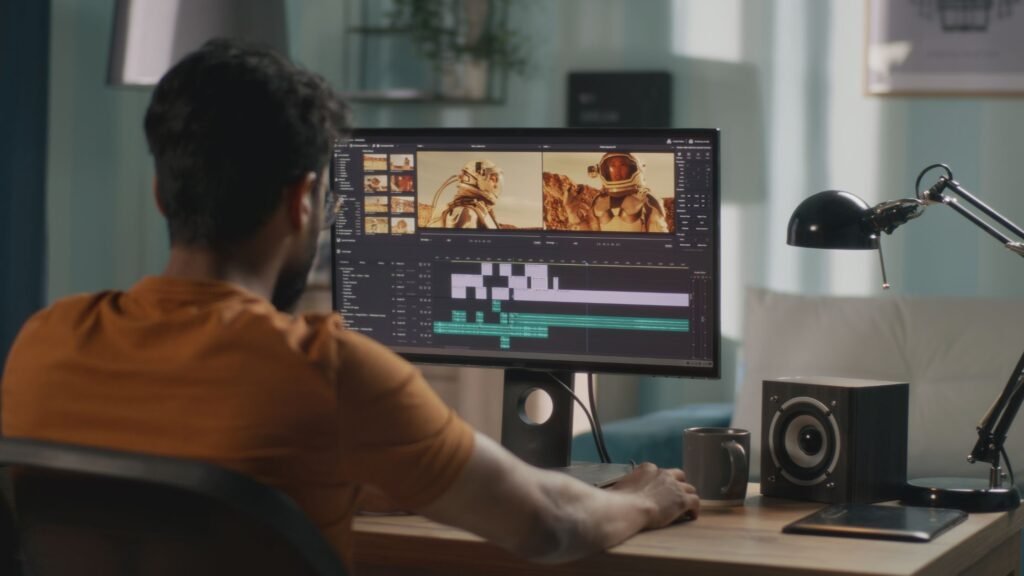
Brand Rules to Follow in Corporate Video Editing
Brand consistency ensures every video feels intentional and professionally aligned. Moreover, consistent rules help viewers trust the message without distraction. Here is how:
I) Typography and text hierarchy: Use approved fonts, sizes, and weights consistently. Additionally, maintain a clear hierarchy so viewers can scan information easily.
II) Color balance and visual tone: Apply brand colors with restraint and accuracy throughout. Moreover, maintain a balanced contrast to protect clarity and readability.
III) Logo placement and timing: Place logos cleanly and at intentional moments. Additionally, avoid overuse so branding feels confident, not forced.
IV) Motion style and pacing discipline: Keep motion subtle, smooth, and purpose-driven always. Moreover, match pacing to the seriousness of the message.
When teams follow these rules, corporate video editing stays recognizable, credible, and consistently executive-ready. Learn more about Corporate Video Production Near You.
Presentation Editing Structure: Context to Action
Corporate video editing for corporate presentations works best when the edit mirrors slide logic. Moreover, viewers should be able to understand the structure instantly without needing extra explanation:
1) Context: Set the Situation Clearly
Explain what is happening and why it matters now. Additionally, provide only essential background without overwhelming details. Consequently, viewers stay oriented and ready to follow the message.
2) Insight: Highlight the Key Learning
Show what changed, what you discovered, or what stands out. Moreover, connect the insight directly to the business objective. Therefore, the audience understands why attention is required.
3) Recommendation: Present the Proposed Direction
State clearly what action or strategy you propose next. Additionally, support the recommendation with concise reasoning or data. Consequently, decision-makers can evaluate the option quickly.
4) Action: Define the Required Approval
Specify what the team must approve, complete, or decide. Moreover, clarify timelines, ownership, or next steps. Therefore, the presentation ends with direction instead of confusion.
This structure keeps corporate presentations clear, efficient, and decision-focused. Therefore, corporate video editing for corporate presentations accelerates alignment, reduces follow-up questions, and drives confident action.
Final Cut Approval Checklist
Use this quick checklist to approve the final cut confidently, without missing critical details:
a) Message clarity: The opening states the business point fast and sets expectations clearly.
b) Proof support: The middle supports the point with clear proof, examples, or simple data.
c) Strong close: The close includes a specific next step and a clear call to action.
d) Brand accuracy: Titles, fonts, and logos match brand rules and look clean on-screen.
Consequently, corporate video editing stays reliable at scale, reduces rework, and protects professional credibility.

Production Choices That Save Hours in the Edit
Great edits start before the edit bay. Therefore, the production team should capture clean audio, stable framing, and clear interview answers. Moreover, a professional team anticipates the final edit while filming. Consequently, the editor spends less time “rescuing” footage and more time refining the story.
In addition, teams work faster when they control stakeholder feedback. Therefore, you should assign one decision-maker and one reviewer group. Moreover, you should keep revision rounds limited and structured, because endless edits dilute direction.
Conclusion
When your message must persuade, align, or lead, corporate video editing becomes a business tool, not a creative afterthought. Moreover, a structured workflow improves clarity, speed, and confidence across every deliverable. Therefore, teams that want executive-ready storytelling with a corporate, commercial, and broadcast mindset can partner with Mongoose Films for dependable outcomes.